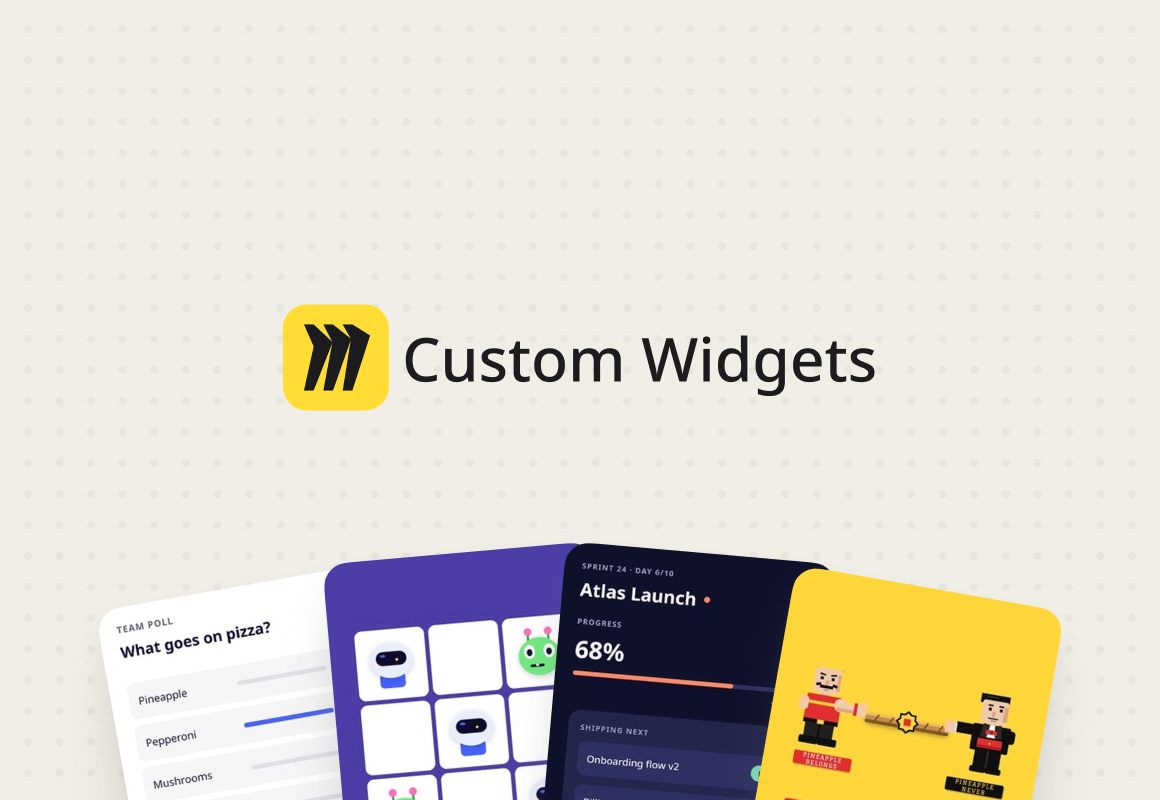
Custom widgets let teams turn a simple prompt into interactive tools on the Miro canvas. From candidate scorecards to playful team check-ins, they give teams new ways to work together.
Cases Portfolio
Light Command Interface

The Command Interface reimagines how people work with complex financial systems. Instead of navigating menus or filling out forms, users can simply type natural commands or questions directly into the product. The interface interprets intent, validates data, and carries out multi-step actions across Light’s modules with precision.
Butter
Butter is crafted for smooth facilitation of collaborative sessions, from training to workshops, ensuring they are more than just meetings. It's a comprehensive tool, functioning smoothly across mobile, desktop app, and browsers.
Butter – Agenda planner
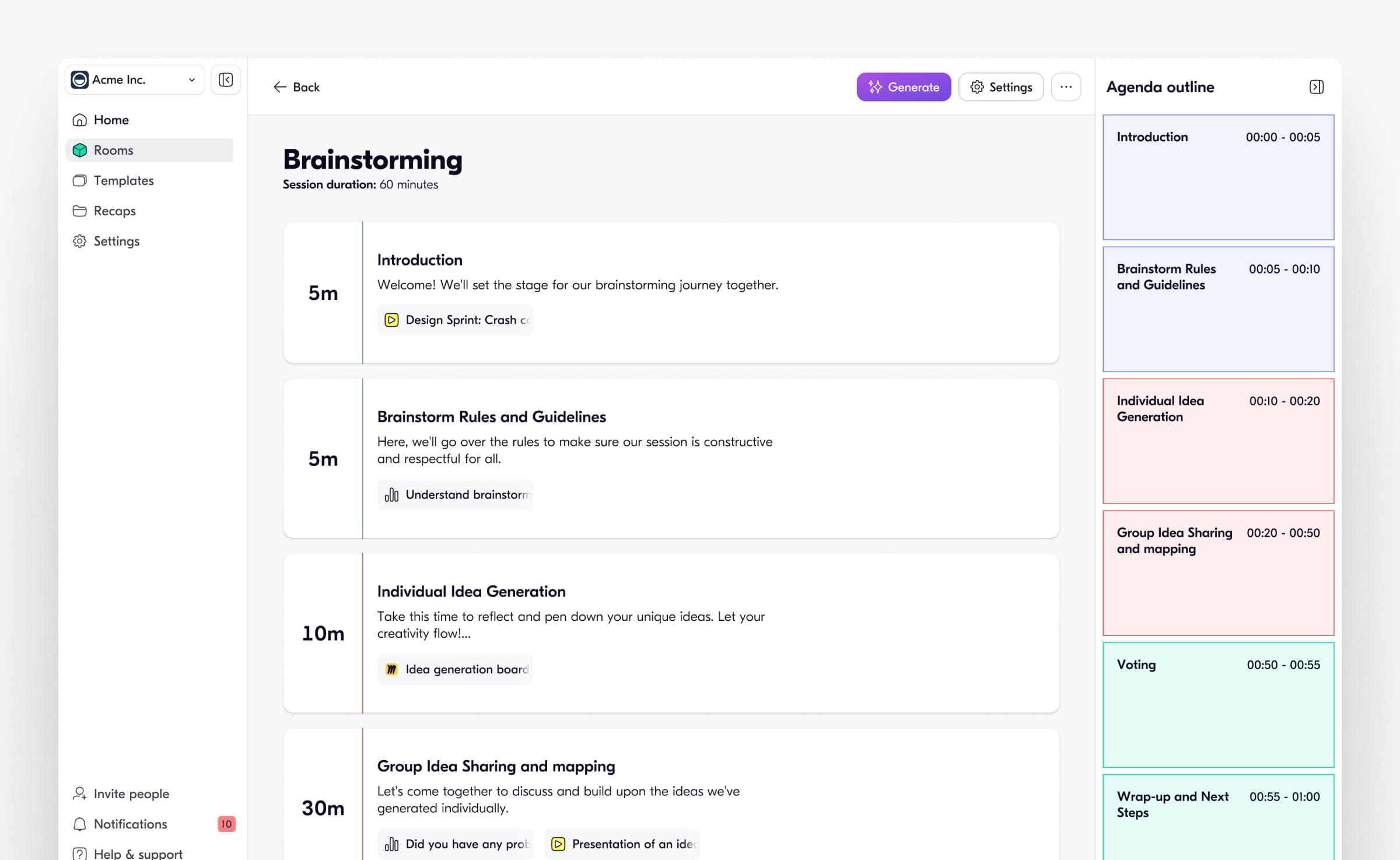
We designed this project as a way to improve how we manage and run sessions. In every meeting, having a clear agenda is key. It acts like a roadmap, ensuring that time is managed well and all important topics are covered.
We focused on creating a simple design that lets you add different tools with just one click. This makes each session more engaging by including options like polls, presentations, and Miro boards, all in one dynamic space. We also made sure that facilitators can control what participants see, helping keep the session focused and distraction-free.
One of the highlights is the AI agenda generator we built. It automates the agenda setup process, allowing facilitators to quickly create a detailed plan by just providing some session details. The AI takes care of organizing all the key points, making planning fast and efficient.
Butter – Session Recaps
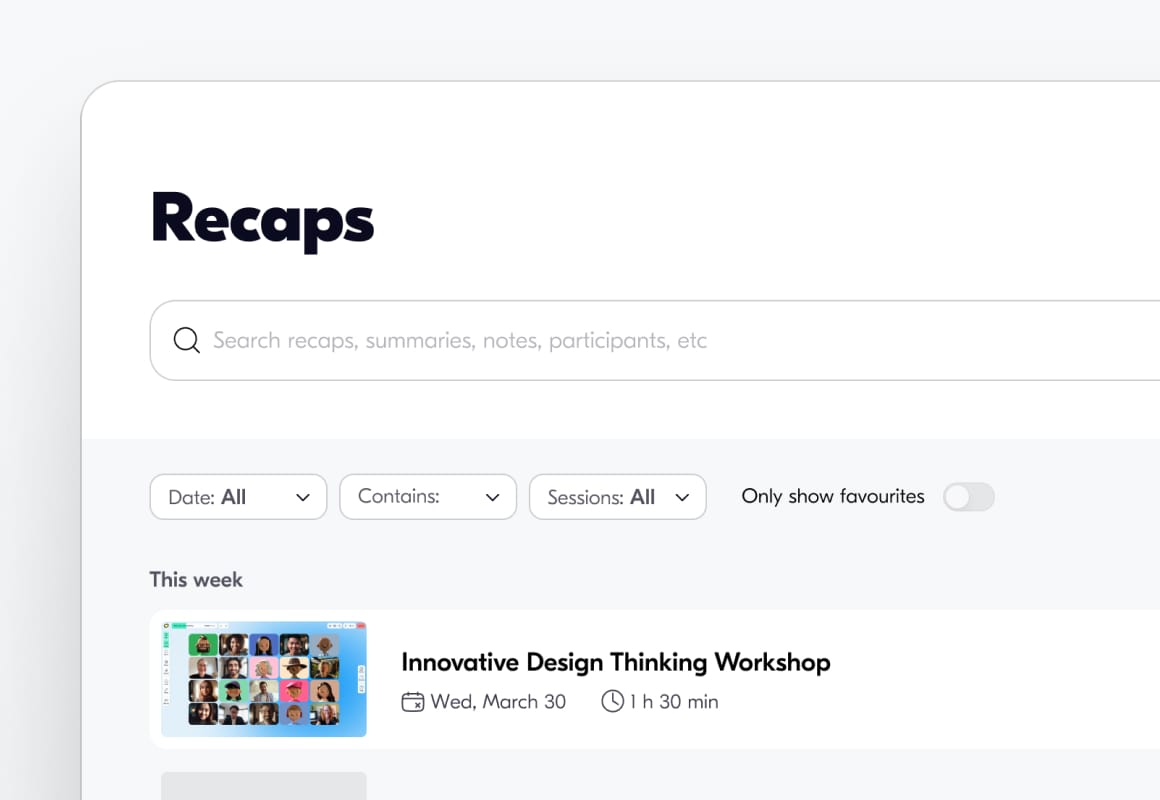
We built this project to help remember and share key takeaways after meetings. We wanted to quickly capture all the important points from every event, so we updated Session Recaps to make sure nothing was missed.
The Recap overview made it easy for users to find what they needed without digging through a lot of details. This quick access helped everyone review the session afterward.
We added an AI feature to generate clear summaries for a better understanding of the meeting's key points. The Timeline feature allowed users to play back the session interactively, helping them go over everything in detail.
We also included detailed Participant stats, Resources, and Feedback, which were all available to help assess the session's impact and see where we could improve. Sharing these insights was simple with just a single link, making post-session follow-up and discussion easier.